
Download VBH SceneGate – virtual world, 3D social experience, open-source, secure communication, avatar creation, virtual grid, VOIP, privacy, Windows 10, Windows 11, free software, immersive experience, fictional avatars, social interaction, secure voice chat
Overview
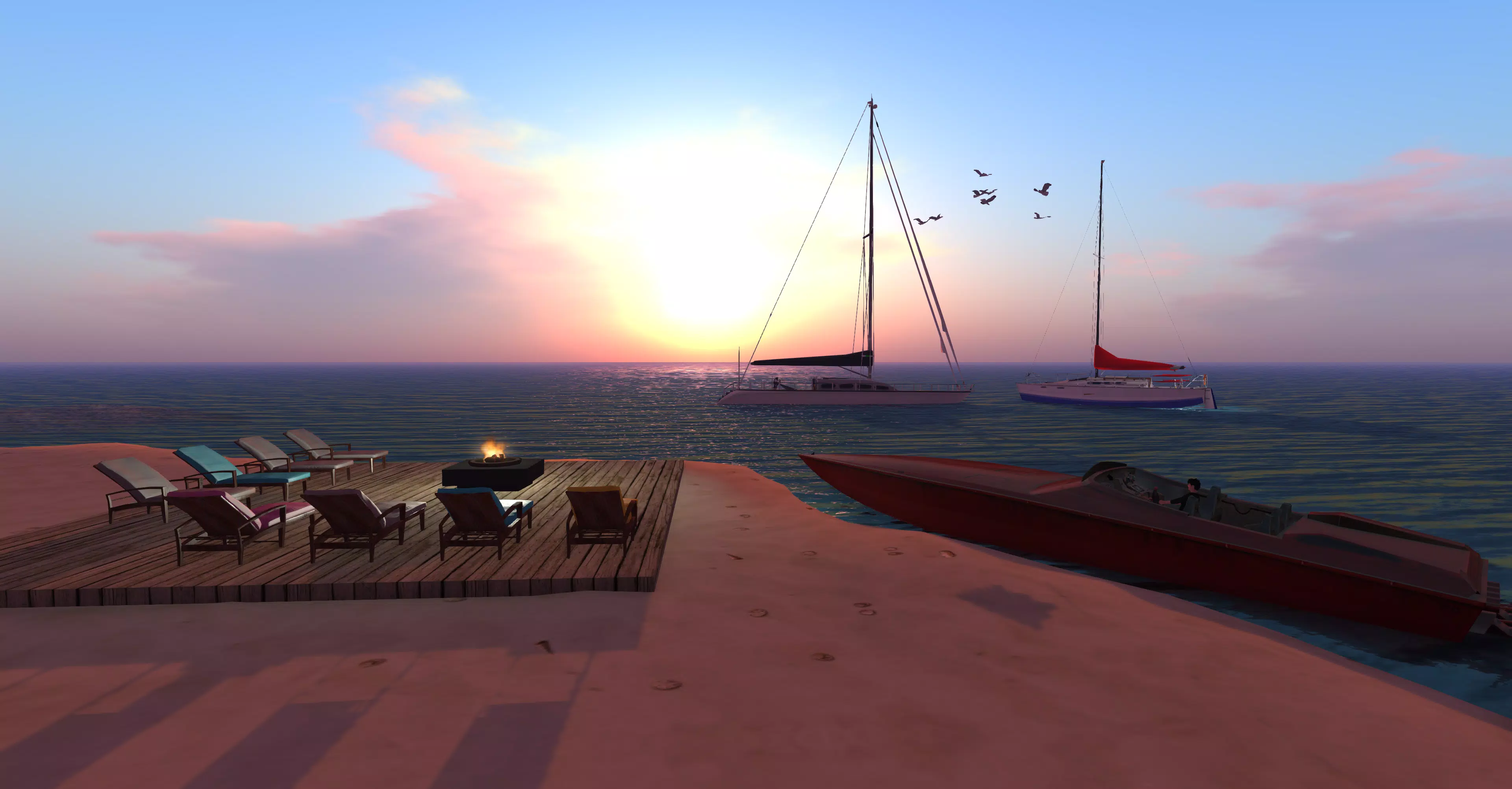
VBH SceneGate is a free and open-source client application developed for Windows 10 and Windows 11, designed to provide users with access to the VirtualWorlds Business Hub grid. The app enables individuals to create and manage fictional avatars, facilitating participation in a secure, immersive, and socially driven 3D environment. By emphasizing user privacy and robust voice communication, VBH SceneGate positions itself as a dedicated platform for virtual social interactions. The application is particularly suited for users interested in exploring digital identity expression, collaborative virtual spaces, and real-time communication within a controlled, anonymous framework.
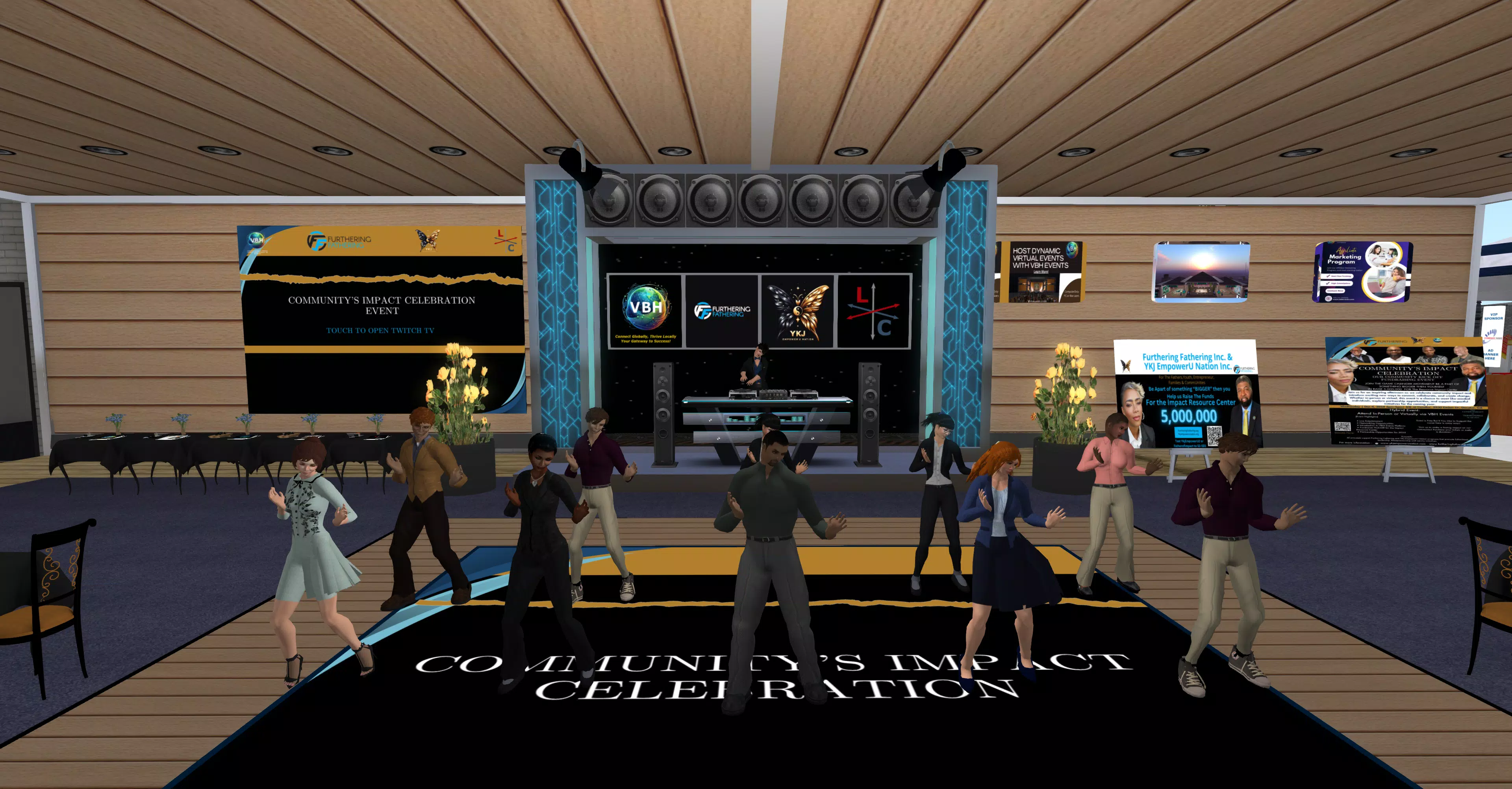
Its core purpose lies in simplifying entry into a virtual world where users can interact through avatars without revealing personal identifying details. This makes it a valuable tool for communities focused on creativity, networking, or social experimentation in a digital setting. The app supports a range of real-world use cases, including virtual meetings, creative collaboration, online events, and casual social gatherings—all within a 3D environment. As a free and open-source software (FOSS) solution, VBH SceneGate promotes transparency and community-driven development, aligning with principles of digital freedom and accessibility.
The developer, VirtualWorlds Business Hub, has not provided additional technical background or organizational details. However, the app’s focus on privacy, secure communication, and user autonomy suggests a commitment to ethical design. In the broader app ecosystem, VBH SceneGate fills a niche for users seeking immersive, non-commercial, and privacy-respecting alternatives to mainstream virtual platforms. It offers a lightweight yet functional gateway to persistent 3D social experiences on desktop systems.
Key Features & Functionality
- User-Friendly Account Creation: The login panel includes a dedicated CREATE ACCOUNT button that redirects users to a streamlined registration form. This allows new users to set up fictional avatar credentials quickly, reducing friction during onboarding.
- Enhanced VOIP Integration: VBH SceneGate leverages an external VOIP service to handle voice communication between avatars. This architecture ensures secure, low-latency voice transmission while maintaining user anonymity.
- Privacy Protection: The app does not collect or share personal identifying information beyond necessary IP addresses for network functionality. Users can communicate using fictional names without exposing their real identities.
- Open-Source and Free: As a free and open-source software, VBH SceneGate is available at no cost. This model encourages transparency, community contributions, and long-term sustainability through collaborative development.
- Ready for Windows 10/11: The application is specifically built for Windows 10 and Windows 11, with the installer automatically including essential dependencies such as Microsoft C++ 2015 Redistributable to ensure stable operation.
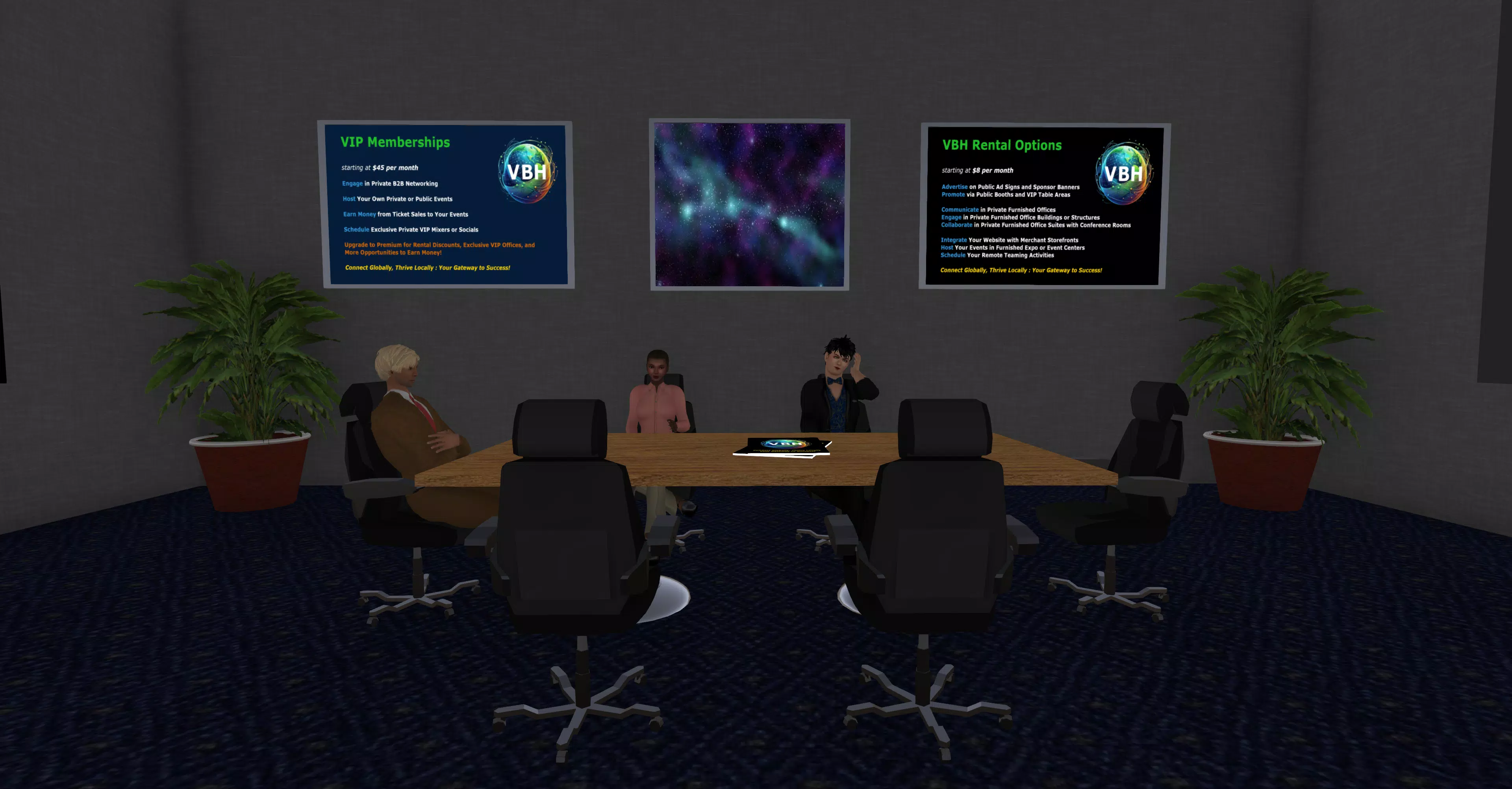
Each feature serves a practical purpose in enhancing the user experience. For example, the simplified account creation process lowers the barrier to entry for newcomers, while external VOIP integration ensures high-quality audio without the need for built-in voice processing. Privacy safeguards allow users to engage in social interactions without fear of data exposure. The open-source nature invites developers and users alike to inspect, modify, and improve the software. These capabilities collectively support use cases such as virtual classrooms, remote team collaboration, and digital art exhibitions within a 3D space.
Interface, UX & Performance
VBH SceneGate features a clean, minimalistic interface designed to prioritize functionality over visual complexity. The login panel serves as the primary navigation hub, offering straightforward access to account creation and login. The layout emphasizes usability, with clearly labeled buttons and intuitive placement of core actions. Navigation between user account management, avatar settings, and the virtual grid is consistent across sessions.
Visual style leans toward utility-focused design, with a neutral color scheme and functional icons that support rapid recognition. The application’s responsiveness appears to be well-managed, with smooth transitions between login states and grid access. Although the developer did not list formal performance metrics, the app’s 128.5 MB file size suggests a lightweight footprint, which may contribute to efficient memory usage and fast startup times.
Stability is expected to be maintained through the use of established system dependencies like Microsoft C++ 2015 Redistributable. The app requires administrator privileges during installation, indicating a level of system-level access necessary for full functionality. While performance on different device categories was not specified, the targeted platforms (Windows 10/11) suggest compatibility with a wide range of desktop systems. Users can expect consistent behavior across supported hardware, assuming standard system requirements are met.
Platform Compatibility & Technical Requirements
VBH SceneGate is available exclusively for the Windows operating system. It is designed to run on both Windows 10 and Windows 11, ensuring broad accessibility across modern desktop environments. The application has a file size of 128.5 MB, which is relatively compact for a 3D client application, indicating optimized resource usage.
The installer includes essential software components, such as the Microsoft C++ 2015 Redistributable, to support core application functions. This integration reduces the likelihood of runtime errors due to missing dependencies. However, specific minimum OS requirements, such as processor architecture or RAM thresholds, were not listed by the developer. Similarly, no details were provided regarding required administrator privileges beyond the installation phase.
Compatibility information was not fully disclosed, so users are advised to ensure their system meets standard Windows 10/11 specifications. The developer did not specify whether the app supports virtualization, remote desktop, or cloud-based deployment. For users seeking a stable and self-contained installation, the app’s reliance on a known runtime environment may contribute to predictable behavior.
Pros and Cons
Pros
- Free and open-source, promoting transparency and community involvement
- Designed for privacy, with no sharing of personal identifying information beyond IP addresses
- Supports secure, external VOIP for high-quality voice communication
- Streamlined account creation process for new users
- Optimized for Windows 10 and 11 with built-in dependencies
Cons
- Platform is limited to Windows; no support for macOS, Linux, or mobile systems
- Specific system requirements were not disclosed
- External VOIP integration may require users to manage separate voice service accounts
- Administrator privileges required during installation
- No information provided on long-term update frequency or maintenance plans
FAQ
Is VBH SceneGate safe to download and install?
Yes, the app is free and open-source, which allows for public code review. It is distributed through official channels and does not include known malware or tracking components.
Can I use VBH SceneGate on macOS or Linux?
As of now, the application is only available for Windows 10 and Windows 11. No versions have been released for macOS or Linux.
Do I need to create a separate account for voice chat?
VBH SceneGate uses an external VOIP service for voice communication. Users may need to set up an account with that service, depending on the provider’s requirements.
Is my real identity at risk when using VBH SceneGate?
No. The app prioritizes user privacy by not collecting or sharing personal identifying information. Users interact through fictional avatars and anonymous identities.
How often is VBH SceneGate updated?
The developer has not provided information on update frequency. Users are advised to check official sources for the latest version and security patches.
Final Thoughts
VBH SceneGate stands out as a privacy-first, open-source solution for users seeking a secure and immersive 3D social experience on Windows. Its focus on anonymity, fictional avatars, and external VOIP integration makes it ideal for individuals and communities who value digital freedom and safe interaction. The app’s lightweight design and streamlined onboarding process enhance accessibility, while its open-source model invites transparency and collaboration.
Although platform support is currently limited to Windows 10 and 11, the app delivers a focused, reliable experience for its target audience. It is particularly beneficial for educators, remote teams, creatives, and social experimenters looking to engage in virtual environments without compromising personal data.
With its strong emphasis on privacy, community-driven development, and secure communication, VBH SceneGate offers a compelling alternative in the virtual world space. For those ready to explore a fictional, immersive, and anonymous digital presence, the app provides a solid foundation.
Download VBH SceneGate now


